An Educational Guide to Selecting the Best Processor for Gaming Needs
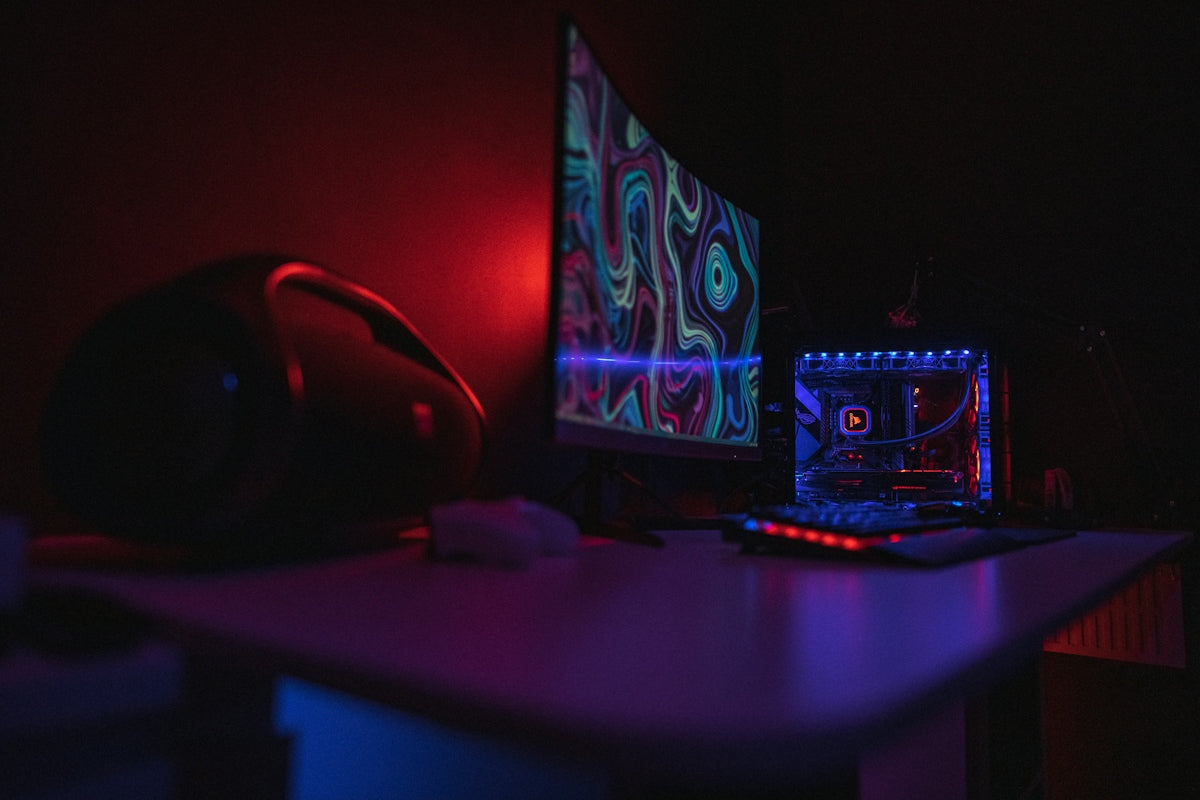
Gaming, an exhilarating world that offers endless entertainment, immerses players into expansive universes and complex characters. Whether you're exploring vast galaxies, managing a baseball team, or embarking on epic adventures, the backbone of a seamless gaming experience lies in the heart of your computer—its processor. Selecting the right processor for your gaming needs is crucial, as it can significantly impact game performance and enjoyment. Welcome to our guide, where we navigate through the intricate process of choosing the optimal processor for an exceptional gaming experience.
To find more gaming resources, visit PCGamezUSA.
Understanding What a Processor Does
Before we delve into choosing the right processor, it's essential to understand what a processor, or CPU (Central Processing Unit), does. At its core, the processor is the brain of your computer. It's responsible for processing instructions from both your operating system and applications. For gaming, the CPU works alongside the GPU (Graphics Processing Unit) to ensure that games run smoothly without lag or crashes.
The Functionality of a Processor in Gaming
In gaming, the processor handles all non-graphical elements such as game AI, physics calculations, object positions, and more. While the GPU focuses on rendering images, the processor tackles game mechanics. Hence, a balanced configuration of CPU and GPU is pivotal for optimized performance.
Key Processor Specifications for Gaming
When shopping for a CPU, many specifications are tossed around. Here’s a breakdown of the most critical specs you should consider for gaming.
1. Core Count
Modern processors come with multiple cores, each running its own tasks. More cores generally translate to better multitasking and performance, particularly in multi-threaded applications like some of today's AAA games.
2. Clock Speed
Measured in GHz (Gigahertz), clock speed indicates how quickly a CPU can process tasks. A higher clock speed can boost performance, especially in single-threaded games.
3. Threads
Threads are virtual cores that can help a CPU handle more tasks simultaneously. A CPU with more threads often performs better in intensive multi-tasking or multi-threaded applications.
4. Cache Size
The cache is the short-term memory of your CPU, storing frequent tasks for quick access. A larger cache can improve processor efficiency, contributing to smoother gameplay.
5. Power Consumption and Heat
Processors consume power proportional to their performance. Higher power usually means more heat, necessitating robust cooling solutions to maintain system stability.
Matching Processor to Gaming Needs
Understanding your gaming needs will help in choosing the right processor. Are you interested in vintage gaming, or do you prefer the latest titles? Different gaming experiences demand varied processing capabilities.
Vintage Gaming

For those interested in retro or vintage games, such as "Bug Explorers Microsoft Windows 3.X CD" or "Front Page Sports - Baseball Pro '96 Season Microsoft Windows 3.X CD," a mid-range modern CPU should suffice. These classics are less demanding and won't require state-of-the-art processing power, hence letting you enjoy these nostalgic games smoothly. Check them out at their respective product pages:
- Bug Explorers Microsoft Windows 3.X CD
- Front Page Sports - Baseball Pro '96 Season Microsoft Windows 3.X CD
Modern AAA Titles
For newer AAA titles, the demands on processors are significantly higher. These games leverage enhanced AI, intricate physics systems, and high-resolution textures, which strain even modern CPUs. A higher core count, faster clock speeds, and larger caches are crucial.
Indie and Strategy Games

Games like "Beyond the Wall of Stars Microsoft Windows 3.X CD" may demand moderate processing power. While they might not require the latest CPU, investing in a decent processor ensures you won't face performance issues even as games update and evolve.
Trends Influencing Processor Selection
The gaming technology landscape is continually shifting, making processor selection more nuanced with each innovation. Here are some trends impacting decision-making:
Multi-Threading and Parallel Processing
As more games become multi-threaded, having a CPU that handles multiple processes simultaneously becomes essential. Games are evolving to take advantage of multiple cores, improving performance significantly on well-equipped systems.
Virtual Reality (VR) and Augmented Reality (AR)
VR and AR introduce new dimensions for gamers, but they require powerful CPUs to process the vast amounts of data involved in real-time rendering and simulation.
Compatibility and Future-Proofing
Ensuring Compatibility
Before purchasing a processor, confirm its compatibility with your motherboard. CPUs are designed to fit into a specific socket, and each motherboard supports only a given series of processors.
Future-Proofing Considerations
Although no component remains state-of-the-art forever, choosing a processor that exceeds current demands can protect your system against rapid obsolescence. Aim for a processor slightly above your current needs to ensure longevity.
Summary

Picking the right processor involves several considerations, from the games you're passionate about to the future gaming technologies you'll dabble in. While the specifics can appear daunting, understanding your needs and keeping abreast of trends can steer you towards a processor that enhances your gaming adventures. Explore PCGamezUSA for a range of games and more.
Whether you're intrigued by treasure-seeking in games like "Treasure Galaxy Microsoft Windows 3.X CD" or managing piglet escapades as in "Babe A Little Pig Goes A Long Way Microsoft Windows 3.X CD," the right processor can make your gaming experience seamless and enjoyable.
Happy Gaming!