Common Bottlenecks in PC Gaming and How to Overcome Them
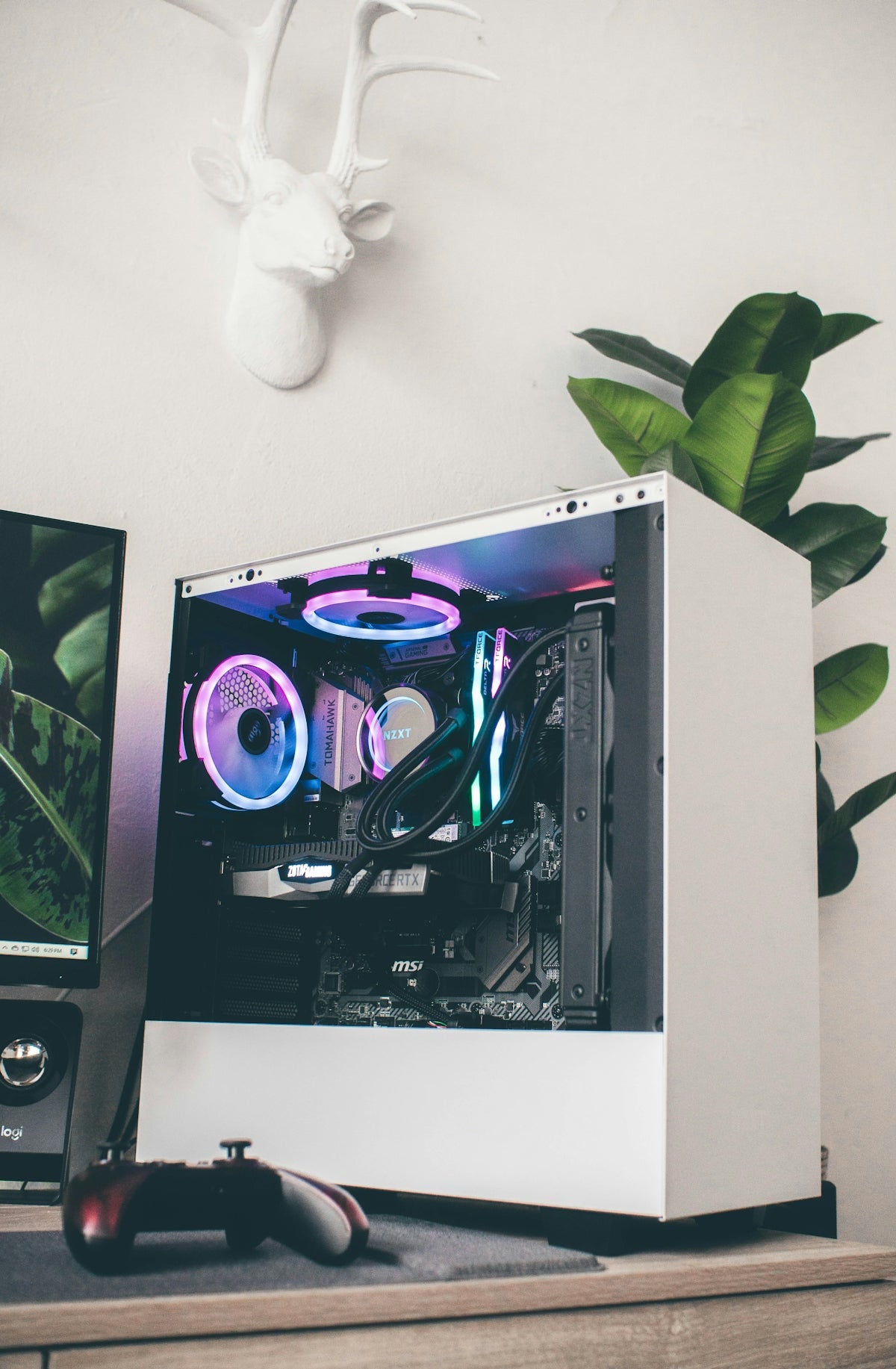
PC gaming has evolved significantly over the years, offering breathtaking graphics, immersive worlds, and thrilling gameplay. However, even with all these advancements, gamers still face common bottlenecks that can hinder their experience. Whether it's hardware limitations, software incompatibilities, or other technical hurdles, these issues can impede your gaming performance. Fortunately, there are effective solutions to conquer these challenges. In this article, we explore the most prevalent bottlenecks in PC gaming and how to overcome them for a smoother and more enjoyable gaming experience.
1. Hardware Limitations
CPU and GPU Constraints

The heart of your gaming setup—the CPU and GPU—are critical in shaping your gaming experience. Many games require powerful CPUs and GPUs to run smoothly, and with games becoming increasingly demanding, a bottleneck here can lead to lag, stutters, and diminished graphics quality.
Solutions:
- Upgrade Components: Consider upgrading your CPU or GPU to a more powerful model. This can often provide an immediate improvement in performance.
- Optimize Settings: Lowering in-game settings, such as resolution, shadows, and texture quality, can significantly reduce the strain on your CPU and GPU.
- Overclocking: Carefully overclocking your CPU/GPU can provide additional performance. However, ensure you have adequate cooling and understand the risks involved.
For games that run on older systems, such as the classic Super Solvers Mission - T.H.I.N.K., ensuring your hardware is compatible can also be essential.
RAM Limitations
Insufficient RAM can lead to longer load times and decreased overall performance. Modern games often recommend at least 8 GB of RAM, but more demanding titles may require even more.
Solutions:
- Upgrade RAM: If your system lacks adequate RAM, adding more can be an easy and cost-effective way to boost performance.
- Close Background Applications: Ensure that unnecessary background applications and processes are closed to free up memory.
Storage and HDD/SSD Constraints
Slower HDDs can be a significant bottleneck due to slower read and write speeds, affecting load times and game responsiveness.
Solutions:
- Switch to SSD: An SSD will dramatically improve load times compared to an HDD. Transitioning your game installations to an SSD can provide a noticeable improvement.
- Organize Storage: Keep enough free space on your drives. A nearly full drive can slow down your PC’s performance.
2. Software Issues
Outdated Drivers

Drivers are responsible for managing communication between your operating system and hardware. Outdated or incorrect drivers can cause crashes, performance drops, and general system instability.
Solutions:
- Regular Updates: Regularly update all your drivers, especially GPU drivers. Various software solutions can automate this process.
- Compatibility Checks: Ensure that any software, especially older games like Blades of Exile, is compatible with your system and has the necessary patches installed.
Game Optimization and Patch Management
Games often release with bugs and performance issues that are addressed in post-release patches. Not keeping games updated can cause a myriad of issues, from glitches to security vulnerabilities.
Solutions:
- Automatic Updates: Enable automatic updates for your games to ensure they receive the latest patches and performance improvements.
- Game Boosters: Utilize game booster software that optimizes your system by prioritizing resources for gaming, disabling unnecessary background processes, and applying performance-enhancing tweaks.
3. Network and Connectivity Problems
Latency and Ping Issues
Online gaming is hugely popular, but high latency and ping can ruin the experience by causing lag, disconnection, and frustrating gameplay delays.
Solutions:
- Use Wired Connections: Opt for a wired Ethernet connection instead of WiFi to ensure a more stable and faster network connection.
- Optimize Network Settings: Prioritize gaming traffic on your router, change DNS settings, and ensure your network hardware is optimized for gaming.
Bandwidth Restrictions
Sometimes, limited bandwidth from your ISP or other users in your network can cause lag and slow downloads.
Solutions:
- Limit Bandwidth Hogging Applications: Identify and limit bandwidth-heavy applications like video streaming services or large downloads that can consume your connection's capacity.
- Check ISP Packages: Ensure your internet plan can support gaming needs, and consider upgrading if necessary.
4. System and Software Pack Compatibility
Older Software and Hardware Support

As technology advances, maintaining compatibility with older hardware and software becomes a challenge. Running classic games like Treasure Quest might require specific software environments or compatibility tweaks.
Solutions:
- Emulation Software: Utilize compatibility modes or emulation software to run older games on modern systems.
- Virtual Machines: Consider setting up virtual machines with older operating systems to run legacy software applications effectively.
5. User Interface and Experience Hiccups
Resolution and Display Settings
Sometimes the settings that work for one game might not be suitable for another, leading to graphical glitches or suboptimal display performance.
Solutions:
- Custom Profiles: Create different display profiles for various games using your GPU's control panel, ensuring optimal settings are always used for each title.
- Calibration Tools: Use calibration tools to set proper brightness, contrast, and color levels to improve visual quality.
Input Lag and Peripheral Issues
Peripheral issues or input lag can significantly affect responsiveness, primarily in fast-paced or competitive games.
Solutions:
- Peripheral Upgrades: Invest in higher-quality peripherals that are reliable and responsive.
- Software Calibration: Regularly update firmware for your peripherals and ensure software settings are optimized for performance.
Conclusion
Addressing the common bottlenecks in PC gaming can significantly enhance your gaming experience. By keeping your hardware and software up to date, optimizing settings, and ensuring a stable internet connection, you'll navigate the digital worlds more smoothly and with greater enjoyment. Always remember that gaming is an evolving hobby, and staying informed on the latest tools and techniques for optimization can transform how you interact with your games.
Explore a variety of games, both old and new, such as those available at PCGameZUSA, to see how different setups affect your experience. Every gaming setup is unique, but with a proactive approach, many of these bottlenecks can be effectively managed.
Happy gaming!